Basic Git & GitHub for DevOps Engineers.

What is Git?
Git is a version control system that allows you to track changes to files and coordinate work on those files among multiple people. So that you can have a record of the changes done in the files, you can revert to specific versions if required. It makes collaboration easy and it is commonly used for software development, but it can be used to track changes to any set of files.
What is GitHub?
GitHub is a web-based platform that provides hosting for version control using Git. GitHub also provides a platform for developers to host, manage, and share their code with others. It is a subsidiary of Microsoft.
Task :
Install Git on your computer.
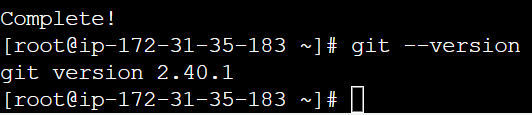
yum install git -y is the command used to install git in servers.
git --version is the command to check if git is installed in the server.

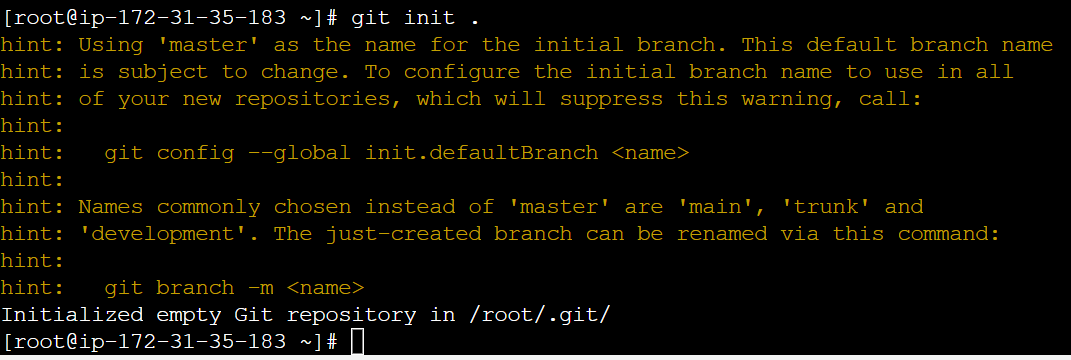
git init . is the command used to initialise the empty git repository in the server
Create a free account on GitHub (if you don't already have one). You can sign up at https://github.com/
Exercises:
Create a new repository on GitHub and clone it to your local machine.
After creating an account in Git Hub, go to your repositories click on the new, add repository name and select public if anyone wants to clone your repository and then select Add a Readme File, which is for adding descriptions or storing additional information.
Open your repository and copy the HTTPS URL.
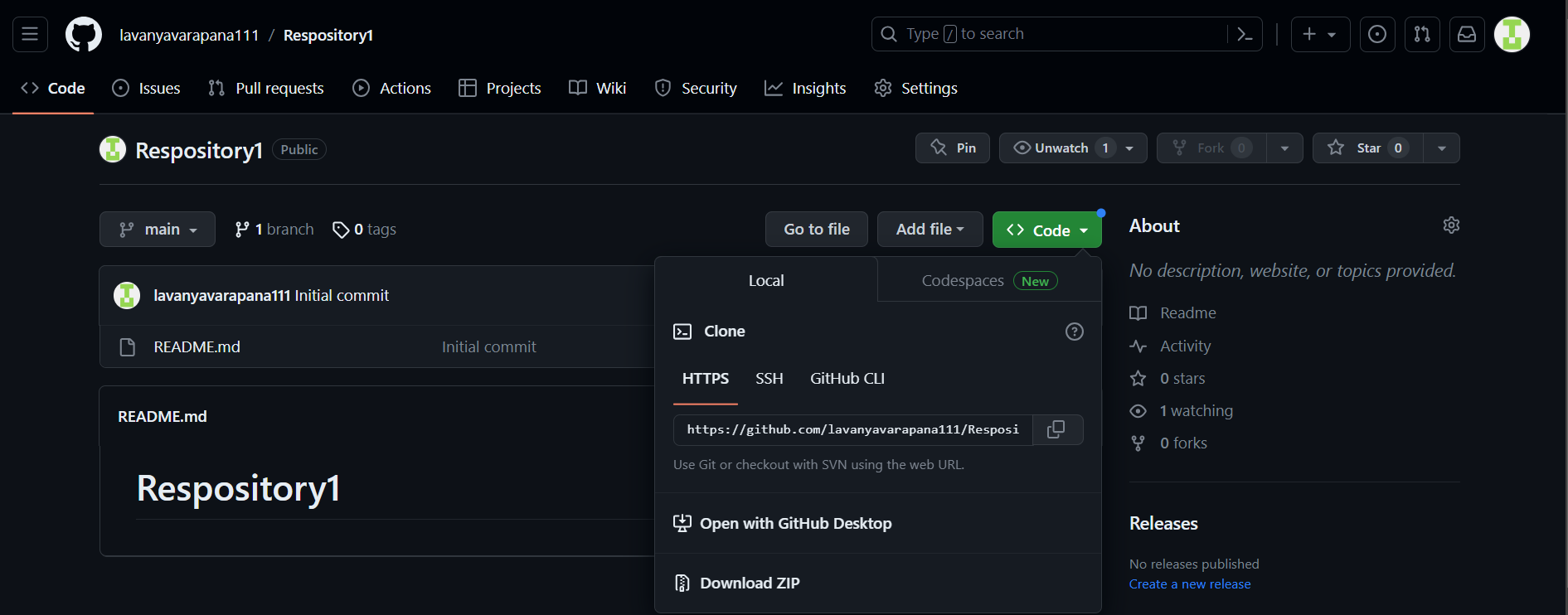
git clone (paste URL) -- command is used to clone the GitHub repository to the server.

git remote add origin (HTTPS URL) -- command to connect GitHub repository to the server.
git remote -v -- command to check which repository is connected with the server.

Make some changes to a file in the repository and commit them to the repository using Git
Push the changes back to the repository on GitHub
First I created a file in the server where the GitHub repository is connected, then added the file in Git and committed. Then pushed the changes to Git Hub using the command git push -u origin (branch name) [To view the list of branches in git -- git branch. Representing with green colour is the current branch name]. If we connect the GitHub repo with HTTPS URL then we have to give a username and token every time while pushing the commits.
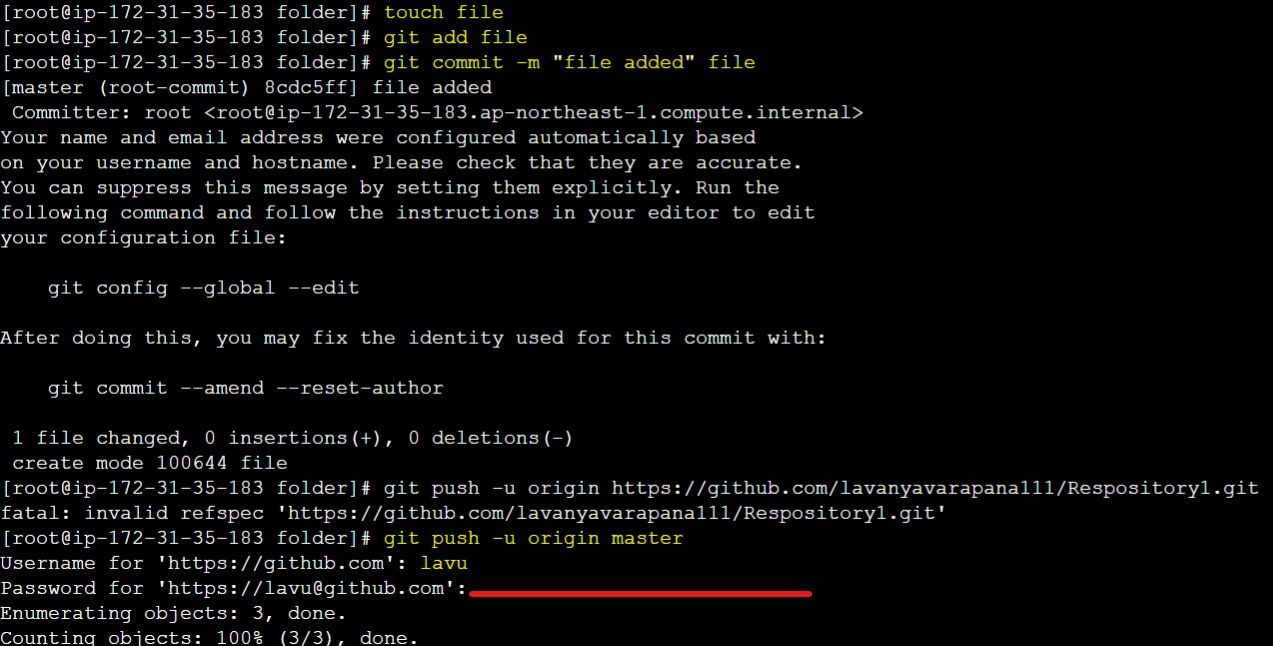
The token is used for security purposes and it is unique and OTP. We can generate many tokens. The process to generate a token -- go to settings -- developer settings -- personal access token -- tokens (classic) -- generate a new token (classic) - give the name and select expiration days as per your wish and select repo then click on generate a token. Copy the token soon after generation and save it else it will disappear after some time.
Thanks for reading the article :)


